Frontend · 2026
Code Preview
A browser-based workspace with the VS Code editor for writing HTML, CSS and JavaScript projects and previewing them instantly.
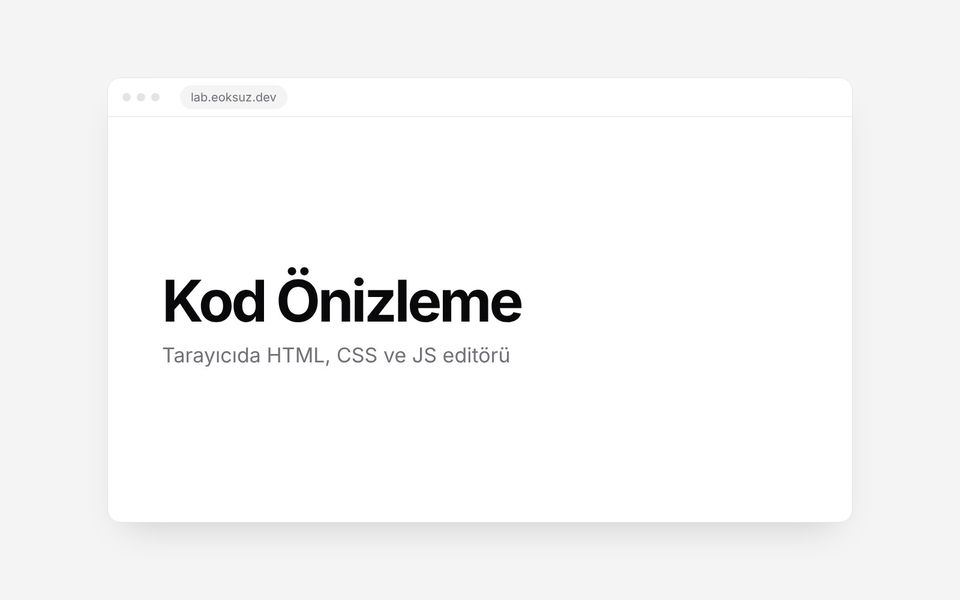
The project
Code Preview is a web-based workspace where I can edit HTML, CSS and JavaScript in the browser and preview the result instantly. It ships as a single HTML file on GitHub Pages and needs no server. As someone used to VS Code, I wanted a tool that lets me write code and see the result just as comfortably on desktop and on my phone.
Process
- I built the first version with CodeMirror: HTML/CSS/JS tabs, live preview, a console, automatic saving in the browser, a share link and zip download.
- I designed the interface as white cards floating on a dotted background, then added a System/Light/Dark theme picker and a side panel that groups the buttons and closes when you tap outside it.
- Trying to make CodeMirror feel like VS Code fell short, so I moved the editor to Monaco, the engine behind VS Code itself, and built Emmet support on top of it.
- I treated phone use as its own problem: a single-pane Code/Preview layout, keyboard-aware sizing and a touch editing toolbar.
- I turned the three fixed tabs into a project structure that supports folders, multiple pages and images, and ran automated tests on desktop and phone profiles after every change.
Highlights
- VS Code editor and Emmet: The Monaco-based editor has smart completion, shortcuts, formatting and Emmet abbreviations such as
!andul>li*3; random words are not turned into tags. - Project explorer: Inline new file/folder creation, renaming with F2, drag-and-drop moving, cut/copy/paste, preview tabs and Ctrl+P to jump to a file.
- Preview that behaves like a real site: Relative paths (CSS, JS modules, images,
url(),@import,fetch) resolve to project files, and links between pages work inside the preview. - Device preview: Pages can be shown at Mobile, Tablet and Desktop widths, and
@mediarules fire according to the real width. - Phone use: A Code/Preview switch, a header that slims down while the keyboard is open, character-level selection by finger and an All/Copy/Cut/Paste/Undo/Redo toolbar.
- Export and sharing: The whole project downloads as a zip, and the previewed page downloads as a single HTML file with CSS, JS and images embedded; a share link and embed code can be generated.
Technical challenges and solutions
- An app that would not start: A
<!--sequence inside the main script triggered an old HTML parsing rule, so the browser looked for the end of the script in the wrong place and the app never opened. I replaced it with an equivalent spelling that does not trigger the rule and added a test that checks for it. - Windows line endings: On Windows the editor used
\r\nline endings, so the cursor ended up on the wrong line after the!skeleton was inserted. I fixed every file to\nendings and found the cursor position by searching for the right line instead of counting characters. - The keyboard on phones: Monaco only opened the keyboard when you tapped a line of code, and because the header hid while the keyboard was open, some buttons became unreachable. I captured touches myself to open the keyboard anywhere in the editor, slimmed the header down instead of hiding it, and made keyboard detection survive screen rotation.
Outcome
The project runs at lab.eoksuz.dev. It can be used to write and preview multi-file web projects in the browser, on desktop and on a phone.